Published:2026-08-11 21:00:00
Linear motion vibration troubleshooting
Start with when vibration occurs, then decide whether to inspect the support unit, locknut or screw
Similar noise and motion can come from axial play, loose locking, screw critical speed, misalignment, contaminated lubrication, base resonance or control settings. The key is to relate the symptom to speed, position, direction and temperature before replacing parts.
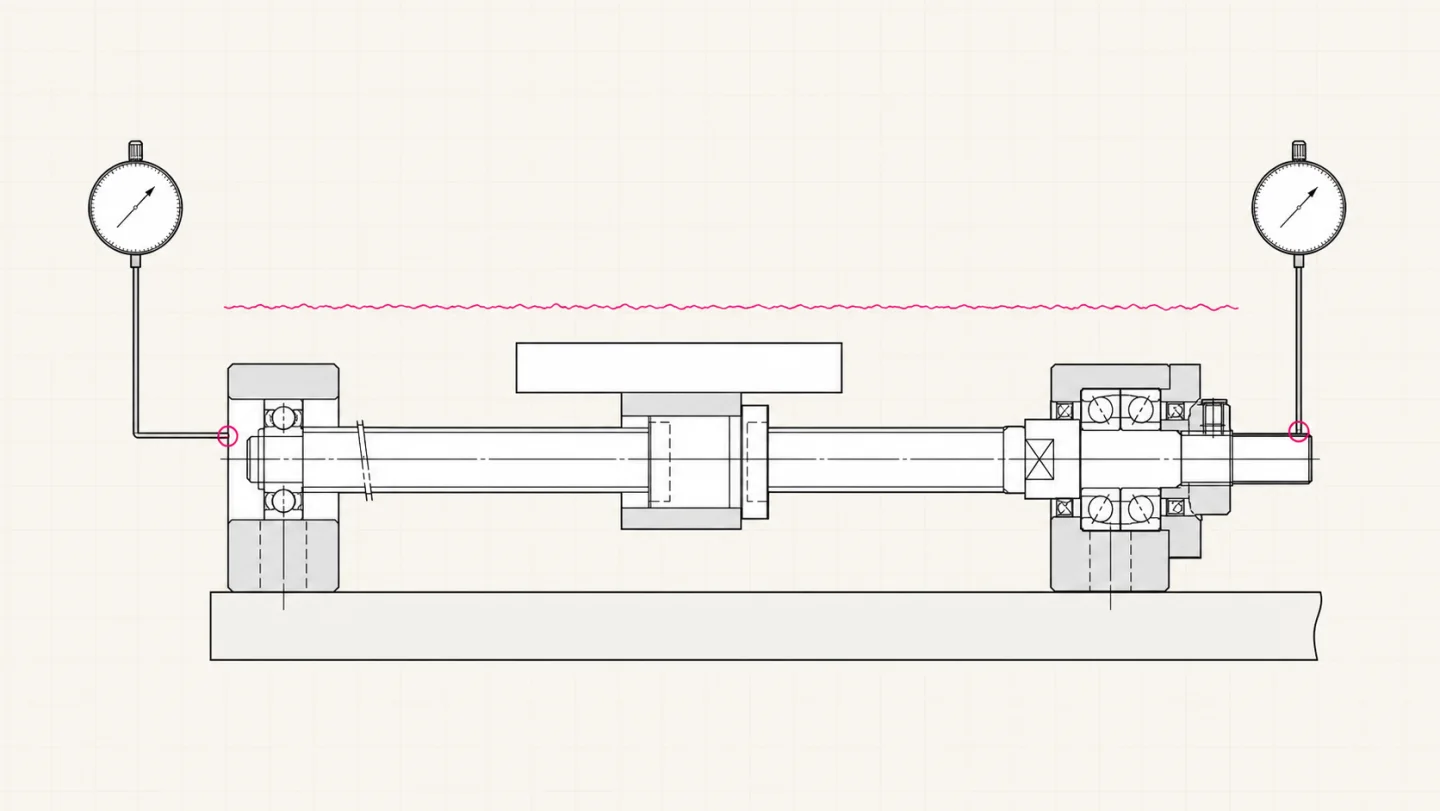
01 / Symptom routing
The condition that creates vibration is more useful than how it sounds
| When it appears | First direction | Typical companion symptom | First verification |
|---|---|---|---|
| Only in a particular high-speed band | Screw critical speed, shaft runout, misalignment | Rapidly reduces at lower rpm, mid-span whip or periodic noise | Step through rpm and log the vibration peak |
| Impact during acceleration, deceleration or reversal | Fixed-end bearing play, locknut, coupling | One knock or a position step when direction changes | Reverse slowly and measure axial shaft motion |
| Roughness over one travel segment | Screw raceway, nut, guide, local contamination | Repeats by position and remains at low speed | With the drive safely isolated, check change in manual resistance |
| Continuous high-frequency noise and heat | Lubrication, preload, coaxiality, bearing damage | Higher running torque and abnormal fixed-end or nut temperature | Stop and inspect lubrication, smooth rotation and center height |
| Frame continues ringing after positioning | Base/frame resonance, acceleration and servo settings | Motion has stopped while vibration decays | Compare at lower acceleration or with command shaping |
Safety boundary: stop immediately for severe whip, metal impact, movement of locking parts or rapidly rising bearing temperature. Keep clear of rotating screws, couplings and moving carriages and follow the machine's isolation and lockout procedure.
02 / Component isolation
What clues do the support unit, locknut and screw leave?
| Area | More directional symptom | Inspect | Common misdiagnosis |
|---|---|---|---|
| Fixed-end support unit | End heat, rough bearing noise, axial movement or poor rotation | Datums, coaxiality, preload condition, temperature and shaft-end runout | Unequal base height also overloads the bearing |
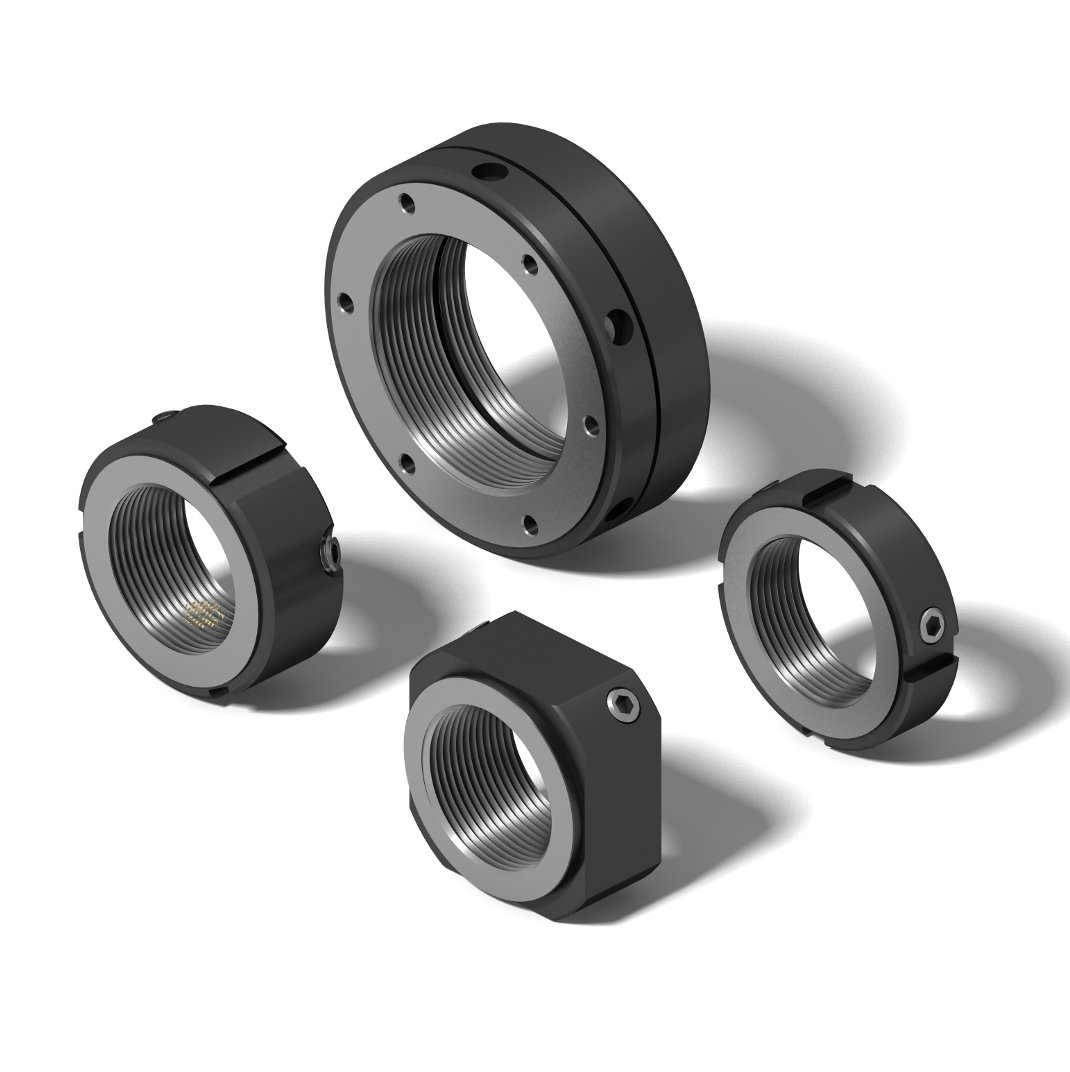
| Locknut | Impact at reversal, axial position step, moved witness mark | Seating, radial locking screws, anti-loosening state and end runout | Blindly adding torque may disturb bearing preload |
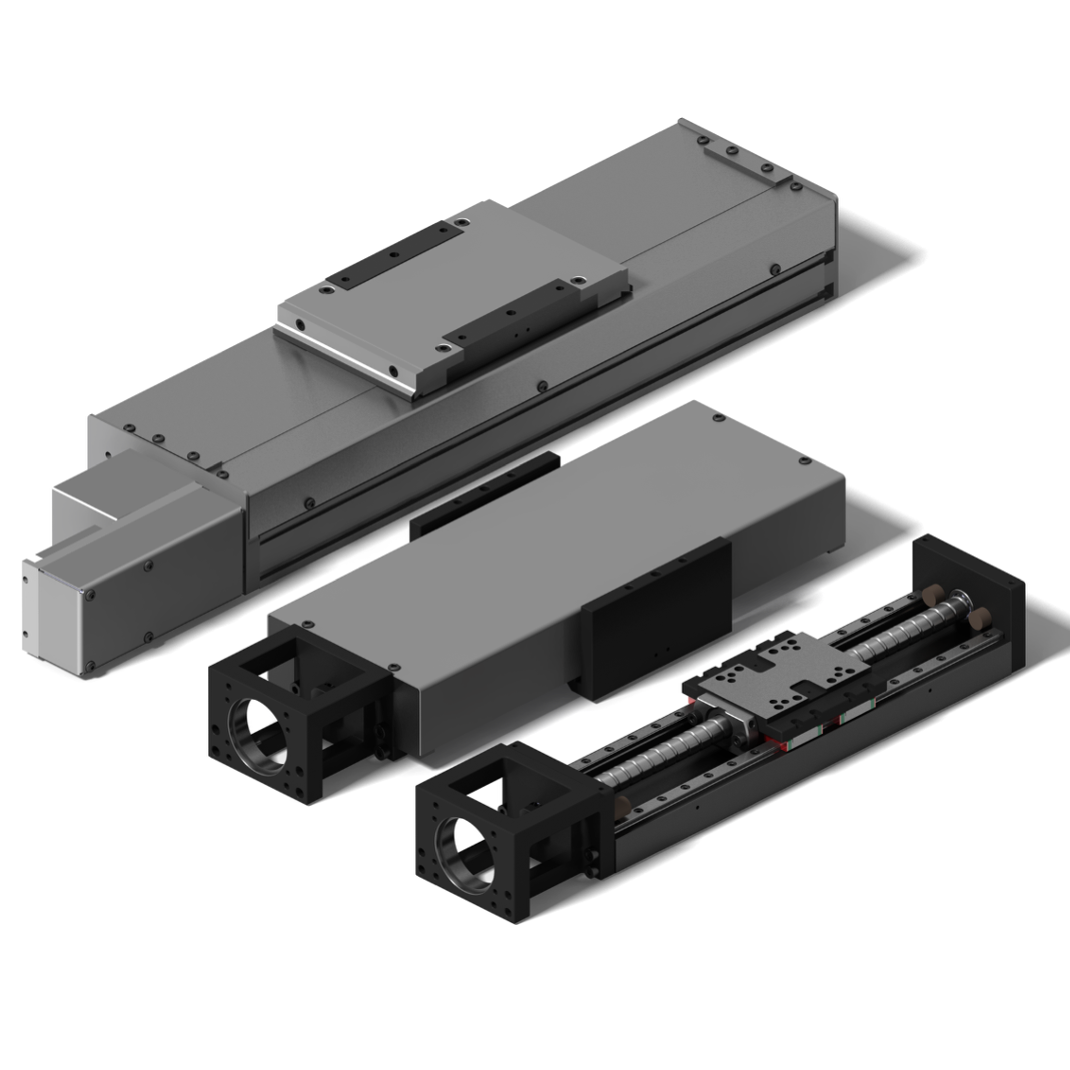
| Screw shaft and nut | High-speed mid-span whip or repeated roughness at one position | Critical speed, bend, raceway contamination/damage, lubrication and nut mounting | Poor guide parallelism transfers side load through the nut housing |
| Coupling and motor | Once-per-revolution vibration, eccentricity or motor-frequency noise | Alignment, clamping, shaft runout, motor bearings and current | Motor excitation can look like screw damage |
| Base and guides | Settling ring, load-sensitive vibration, position-dependent side force | Mounting surface, bolts, frame stiffness, guide parallelism and load center | Replacing a support unit cannot repair structural resonance |
03 / Diagnostic sequence
Six steps turn “it vibrates” into a repeatable fault
- Fix the test conditionsRecord load, stroke, direction, speed, acceleration, running time, ambient temperature and fault position.
- Map speed and positionTraverse at low, medium and high speed to separate rpm-, position- and direction-related behavior.
- Check static axial playAfter safe isolation, use an indicator with light push-pull or small reversals to observe shaft-end and carriage motion.
- Inspect locking and witness marksLook for movement at the locknut, radial screws, coupling and mounting bolts; do not begin by adding torque.
- Isolate drive and motion elementsFollowing the machine design, separate or segment motor, coupling, screw, guides and carriage and compare resistance and noise location.
- Retest and keep evidenceChange one condition at a time and retain vibration, temperature, noise and position traces.
04 / Measurement and decision
Four simple records sharply reduce the fault range
Keep the accelerometer in one location and step through speed. A narrow peak suggests resonance or an order-related source.
Hold speed constant across the stroke. A repeatable local zone points toward raceway, guide or local mounting.
Observe reversal with an indicator. A repeatable step suggests axial play, locking or connection issues.
Temperature trace
Log the fixed end, nut area and base. Continually rising temperature with higher torque calls for checks of lubrication, preload, coaxiality and bearing condition.
Sound as a clue
Metal impact, periodic whine and random rough noise have different implications, but sound only locates a clue. Confirm it with displacement, vibration and temperature.
Housings transmit sound, so the loudest point may not be the source.
Servo changes, lubrication and retightening at once destroy causal evidence.
Eccentricity, misalignment and runout also amplify with rpm.
Couplings, gearboxes, nut preload and control deadband also matter.
Disassembly changes factory preload and may create a new fault.
05 / Prevent recurrence
Installation, lubrication and records beat repeated retightening
| Stage | Recommended action | Record | Purpose |
|---|---|---|---|
| Before assembly | Verify shaft-end dimensions, mounting surfaces, center height and guide parallelism | Datum measurements and end drawing | Keep machining error out of the shaft system |
| During assembly | Verify smooth rotation, end runout and axial play before securing radial screws | Runout, play and locking state | Create a traceable mechanical baseline |
| Commissioning | Step through speed while monitoring vibration, noise, temperature and motor current | Baseline curves | Find resonance and assembly problems before full load |
| Maintenance | Inspect lubrication, contamination, witness marks and protection by distance and environment | Date, materials and anomaly photos | Separate wear trends from isolated events |
06 / Quick answers
Linear motion vibration questions
Does one knock at reversal prove the locknut is loose?
No. It is an important check, but coupling clearance, gearbox backlash, ball-nut play, guide blocks and control settings can also create impact. Measure direction-change motion at the shaft end and carriage first.
If vibration occurs only at high speed, can lowering speed solve it?
Lower speed reduces immediate risk and confirms rpm dependence, but critical-speed margin, minor diameter and span, end restraint, coaxiality and end runout still need review.
Can I tighten the fixed-end locknut to remove axial play?
Not blindly. The HZMotion manual requires appropriate seating, end-runout and axial-play measurement, followed by securing the radial screws. Excess tightening can disturb preload and raise temperature.
If added grease lowers noise, is the fault fixed?
Not necessarily. Temporary noise reduction only shows that friction changed. Contamination, raceway damage, misalignment or excessive grease may still cause heat and vibration.